Online consent forms for private practice
Write your consent and screening questions once, and every patient answers them before their appointment — on the booking page, from their own account, or on your device when they arrive. The answers and the signature are kept with the appointment, not in your inbox.
30 days free. No card needed.
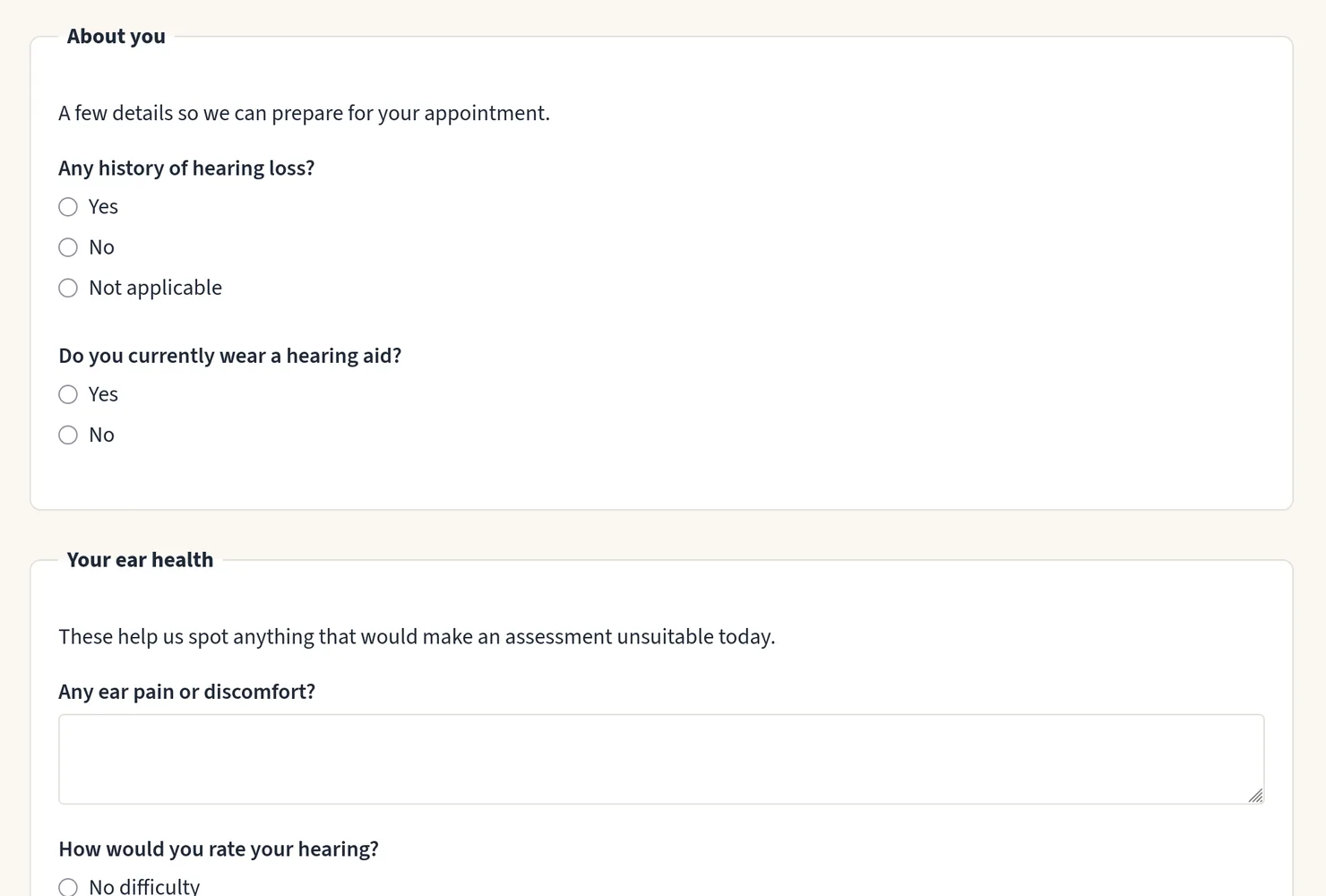
Build the form you already use
A consent form is made of questions, and each one asks for one thing:
- Free text for anything the patient should describe
- Yes / No, and Yes / No / Not applicable, for screening questions
- Choose one and Choose any that apply
- Consent checkbox, with the wording the patient is agreeing to
- Signature: the patient types their full name, and can draw a signature too
- Section heading, with an optional paragraph, to split a long form into parts
Preview the form exactly as patients will see it, reorder questions with Up and Down, and duplicate a form to start a variation. One form can serve as many of your services as you like, and forms can be exported to a spreadsheet and imported back.
Three ways a patient can complete it
When they book
The form is part of the booking page, so the answers arrive before the timeslot is reserved and you can spot an unsuitable booking before anyone travels.
From their own account, before the visit
If you booked the appointment for them, by phone or in person, the patient answers from their own appointment page. Their reminder emails ask them to, until it is done.
On your device, at the visit
Hand over your tablet or laptop and the patient answers there, on a page that shows nothing else from your account.
The record says which of the three it was.
A record you can rely on
- Answers are stored with the appointment, along with the wording of every question and heading as the patient saw it.
- Changing a form later never rewrites answers already given.
- A submitted form is never edited. Completing it again keeps the earlier answers in the history.
- The signature records the name typed, any drawing, and the date, time and network address of signing.
- Works in any browser, with no app, and with JavaScript switched off.
Coming from Cliniko? Past consent forms can be imported with your appointments.